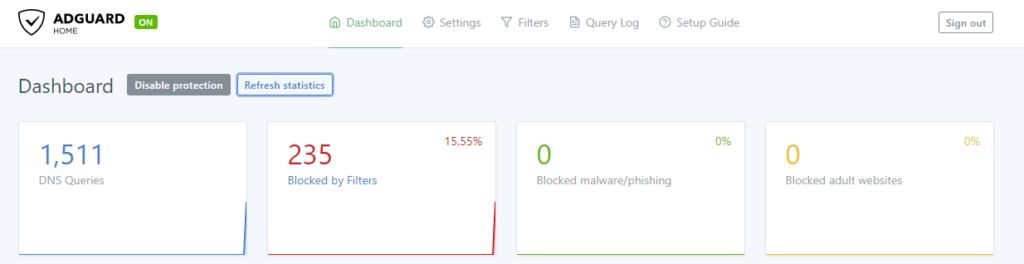
Following some issues with Pihole, I decided to check around for other solutions. I appears to me Adguard Home was here since a while, providing more features and some enhancements at the same time. So here I am, creating a small tutoriel to deploy it on a Docker container, please have a seat.
# Get the last version
docker pull adguard/adguardhome

# Create volumes to persist data
docker volume create adguard-vol-data
docker volume create adguard-vol-conf

# Create the dedicated network
docker network create --driver bridge adguard-net
Then create the actual container, for my setup, I decided to bind port 8001 to 3000 for the admin access. For a weird reason, during the wizard, if you choose to configure the admin pannel to port 3000 as described below, it will fails. So I had to start with the following Container’s definition, setup Adguard with port 80 as admin panel port access, then remove the container (data are persistant so no worries) then create it again with the next configuration.
docker run --name adg-01 \
     -v adguard-vol-data:/opt/adguardhome/work \
     -v adguard-vol-conf:/opt/adguardhome/conf \
     -p 53:53/tcp -p 53:53/udp \
     -p 8001:3000/tcp \
     --network adguard-net \
     -d adguard/adguardhome
As mentioned above, after the setup is done using the wizard (And telling it to listen on port 80 for your admin access), remove the container and rerun it with the following:
docker run --name adg-01 \
     -v adguard-vol-data:/opt/adguardhome/work \
     -v adguard-vol-conf:/opt/adguardhome/conf \
     -p 53:53/tcp -p 53:53/udp \
     -p 8001:80/tcp \
     --network adguard-net \
     -d adguard/adguardhome
One comment