This time we will focus on installing all the necessary tools on our Windows system in order to start developing with Angular.
NodeJS installation
Run the following command on an admin PowerShell prompt. We are using the LTS version
chocolatey install nodejs-lts
Installing NodeJS should also add NPM, to check, run npm -v to see if it’s present on your system.
NPM and Angular CLI installation
We will need to install the Angular CLI as well, this tool will be handy to create our Angular projects, application and code. To do so, run the following code
npm install -g @angular/cliYou might have some warnings, they seem not important, so do not worry.
Angular project initialization
When it’s done, you can now initialize your Angular application using the following command
ng new my-projectThey will ask you some questions
- Would you like to add Angular routing?
- This will help you routing your user requests, if you new to Angular, choose this option
- Which stylesheet format would you like to use? SCSS [ https://sass-lang.com/documentation/
syntax#scss- This will let you choose which kind of style sheet you want to use, I decided to try SCSS which is way more powerful than regular CSS, but this part is totally up to you
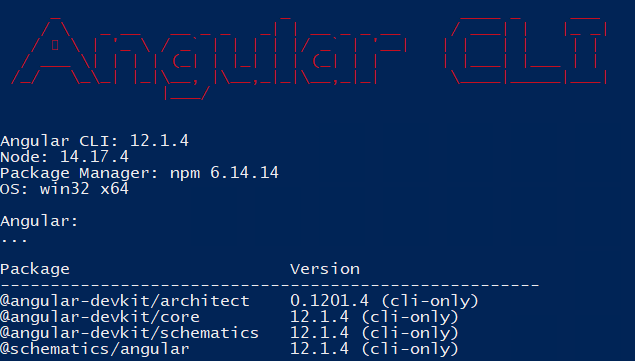
Finally, run ng version to show which version of Angular you have actually installed